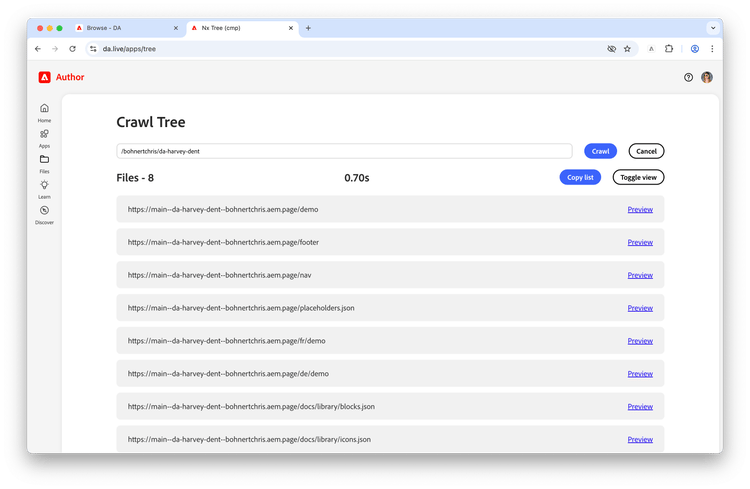
Traversing a content tree
Content is rarely flat with most content structures reflecting a hierarchy and organization. For this reason, it is often helpful to traverse a path to discover all content below it, which can be useful for bulk operations.
- Determine the path of the organization and site you wish to traverse. In our example, we are currently working on this page
https://main--da-harvey-dent--bohnertchris.aem.live/demo, so we know that the path is/bohnertchris/da-harvey-dent. - Under Apps, select Traverse.
-
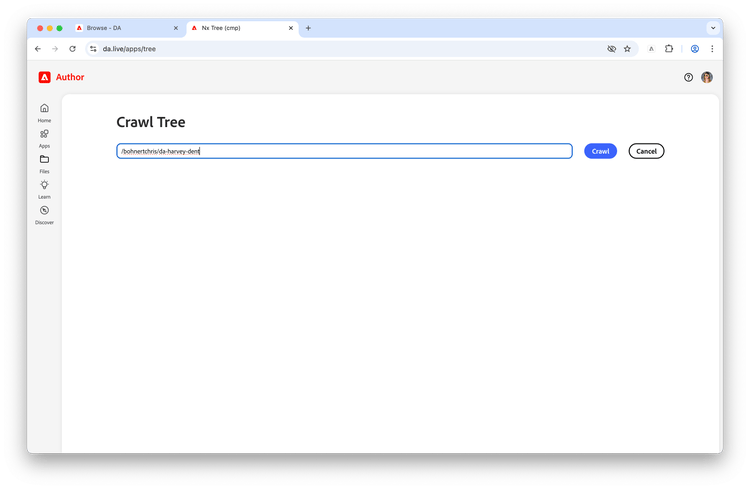
In the Crawl Tree window, paste in the path you wish to traverse and click Crawl.
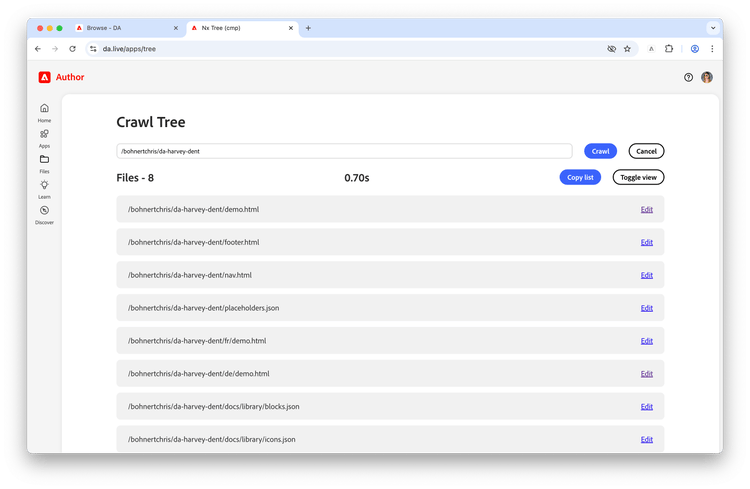
- The app crawls the tree and returns a list of pages and statistics on how long the crawl took.
- Click Copy List to copy a list of the URLs to the clipboard (useful for bulk operations).
-
Click Edit to open the editor for the specific page.
- Click Toggle view to change the results list from displaying the page path to the URL.
-
Click Preview to open the preview link of the page.