Release notes
Discover the latest features, enhancements, and possibilities every month, with a focus on what matters most to authors and content teams. No exhaustive changelogs—just the updates worth knowing about.
Looking for the complete, more technical list? See the full release history.
November 2026
November brings a redesigned browse experience, permissions you can manage in the product, a block inspector, and preflight checks before you publish.
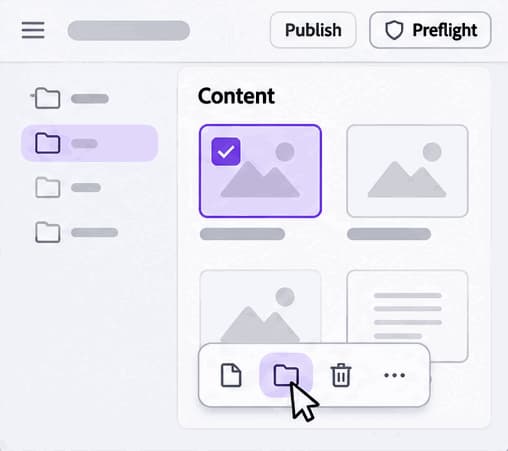
New browse experience
Find, filter and open sites, pages and assets in a redesigned browser. Search from the menu bar, sort and group your content, select several items at once, and star your favorites so the content you use most is always a click away.
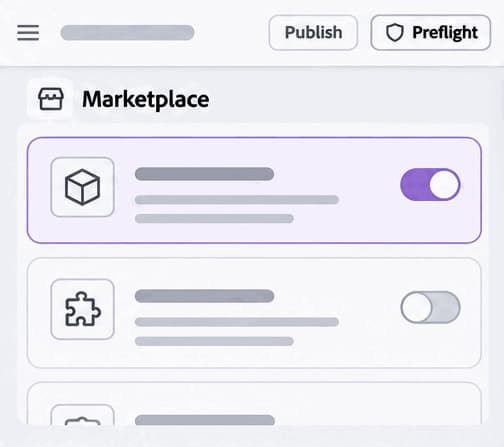
Install additional capabilities
Add apps, plugins and skills to your workspace, without a code change. Open the Marketplace, browse the available extensions, and switch one on with a single toggle to start using it in your workspace right away.
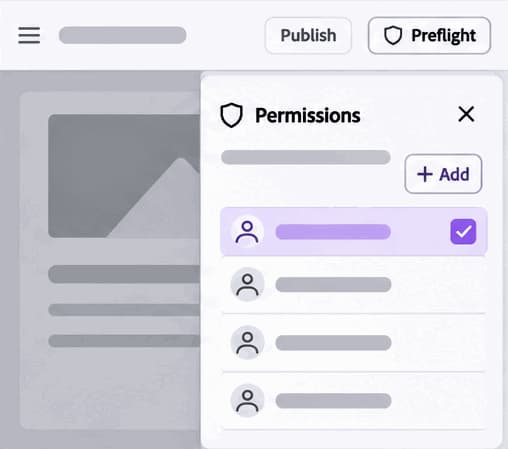
Permissions UI
Manage who can view, edit and publish, in the product instead of in configuration files. A central permissions view shows who has access across your organization and sites, and lets you add or remove permissions and save your changes without editing a config sheet.
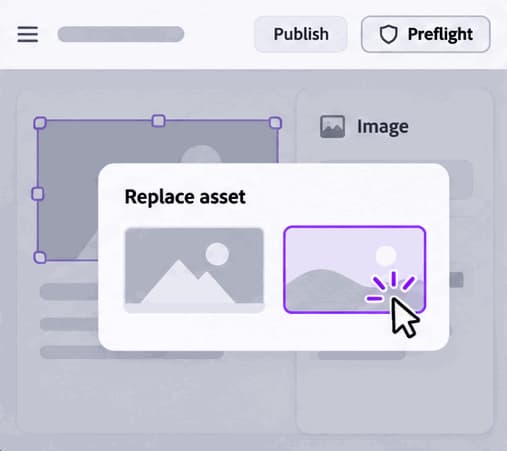
Optimized block & asset authoring
Insert, edit and rearrange blocks and place assets faster on the page. Select a block or image right on the canvas to adjust its options and size, or swap in a different asset in a couple of clicks from a simple picker.
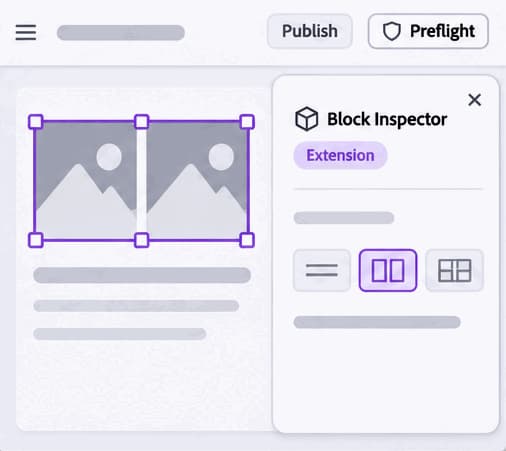
Block inspector
See and change a block's structure, content and options in one panel. Select a block, open the Block Inspector, and adjust things like its layout, for example switching from one column to two, while you watch the result update on the page.
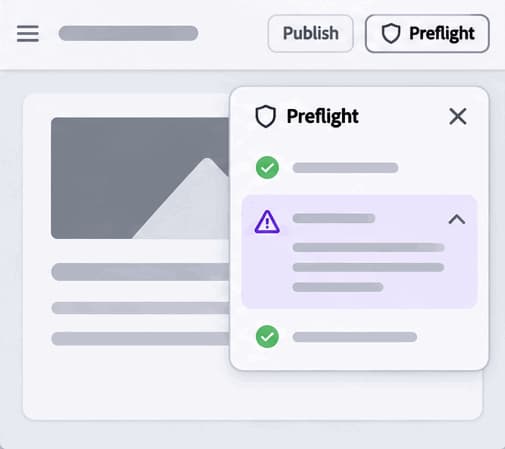
Preflight
Check a page for brand, accessibility and SEO issues before you publish. Run Preflight from the toolbar, review what passed and what needs attention, then fix the flagged items and run it again before you send the page live.
October 2026
October brings the new Experience Workspace editor to everyone, with document versions, comments, a block toolbar, and publishing straight from Browse.
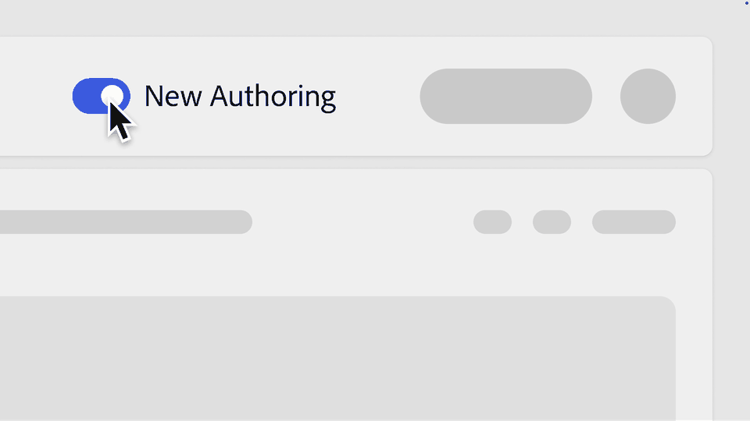
Try Experience Workspace Today
The new Experience Workspace editor is now available to everyone via the editor toggle. Switch on the new canvas experience and explore a modern, visual way to author your content.
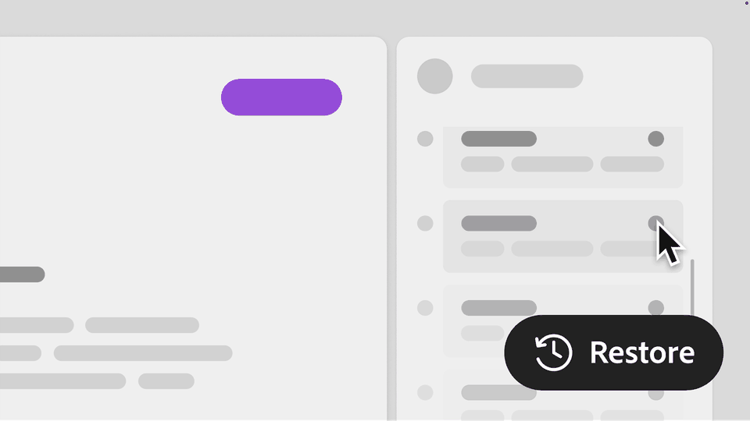
Document Versions - Save, Browse, Restore
You can now save named versions of any document, browse its full version history, and restore an earlier version with one click - all without leaving the editor.
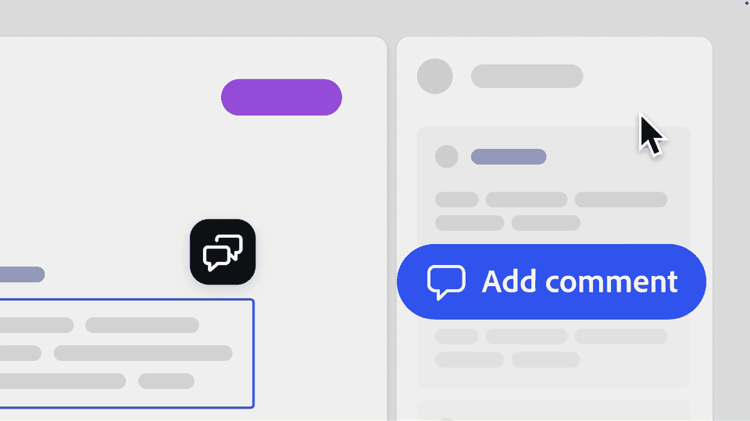
Comments in the Editor
Add comments directly while editing in Experience Workspace. Comment markers are visible in layout mode and show the author's name, making review and feedback workflows much smoother.
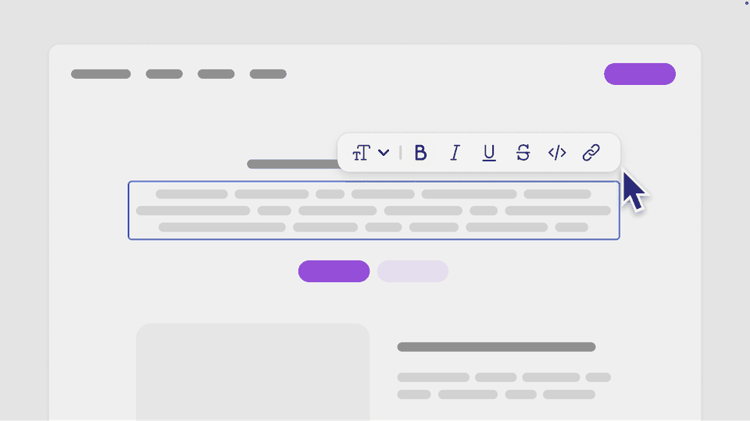
Block Toolbar for Visual Editing
Selecting any block in the canvas now shows a contextual toolbar to edit, replace, switch variants, or delete it. Making content assembly faster and more intuitive.
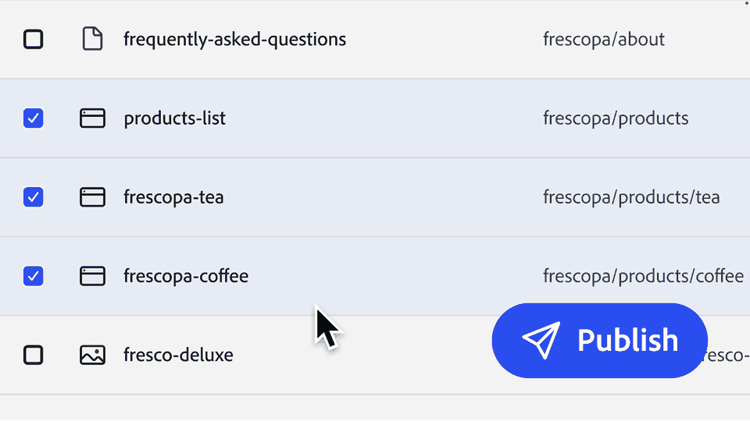
Publish from Browse - One Page or Many
You can now preview and publish pages directly from the file browser without opening them. Select one or more pages and publish in bulk - a real time-saver for content managers.
Previous
- Comments in Experience Workspace – Add comments while editing, with comment markers shown in layout mode and authors identified by email.
- More translation options – GlobalLink and Lionbridge are now available as translation providers. Translation also adds opt-in image translation, handles larger content, and has a more reliable Smartling integration.
- Richer structured content forms – Forms now support date, time, and date-and-time fields, with clearer validation, inline field help, and easier add and remove controls for list fields.
- Block toolbar in the canvas – Select a block to edit it in a modal, replace it, switch its variant, or delete it.
- Find and manage files faster – The file explorer now has file icons, a copy-URL action, and search. The files panel lets you refresh the list and create a new page without leaving the editor.
- A smarter slash menu – Type "/" to find and insert a block by name, pick block options with color swatches, and merge or split table cells.
- Version history – Save a version of a page at any point, browse its history, and restore an earlier version.
- Publish from Browse, one page or many – Select one or several pages and preview or publish them straight from the file list.
- Chat assistant in Browse and the editor – Ask for help or make requests without leaving your page. The assistant now remembers your answers after a reload and includes page evaluation.
- Better text and image editing – Superscript and subscript formatting, a keyboard shortcut for links, alt text and image swapping in the editor, and default alt text pulled from asset metadata.
- Favorites – Star files and folders in Browse so the content you use most is one click away.