Developing for Experience Workspace
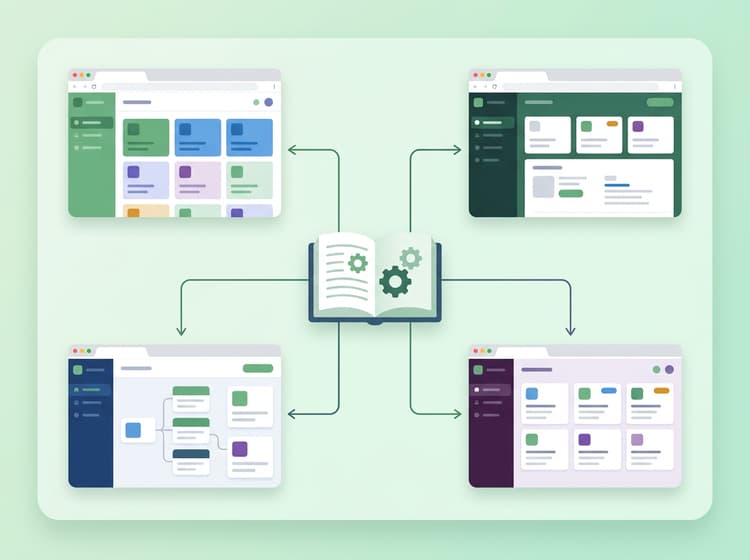
Learn how to customize your own Experience Workspace project and get to know the tools available to developers. not sure how to start? Check out the Getting started developing article.
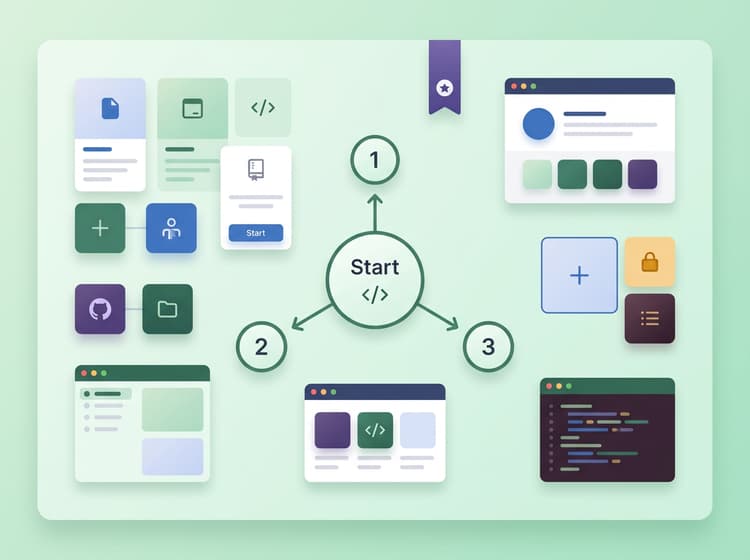
Getting started developing
Every project brings its own requirements and you might find use cases where you would like to extend the functionality of Experience Workspace. Learn how to get started developing.
Setup Experimentation
Experience Workspace provides a UI to help orchestrate AEM Experimentation. It requires a few updates to your scripts to use it.
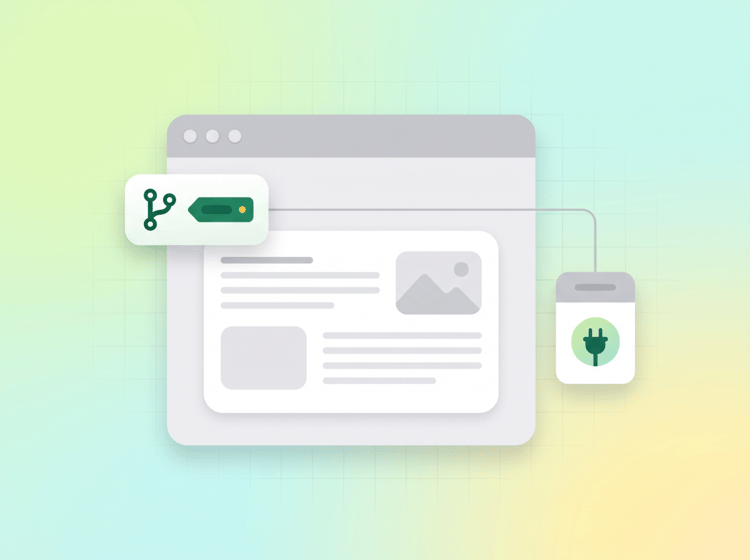
Developer plugin
Experience Workspace, by default will load code from the main branch of your project. The developer plugin allows you to see how a block or content model would look directly in the authoring environment to iterate quickly and see it in action in layout mode without merging the branch code to main.
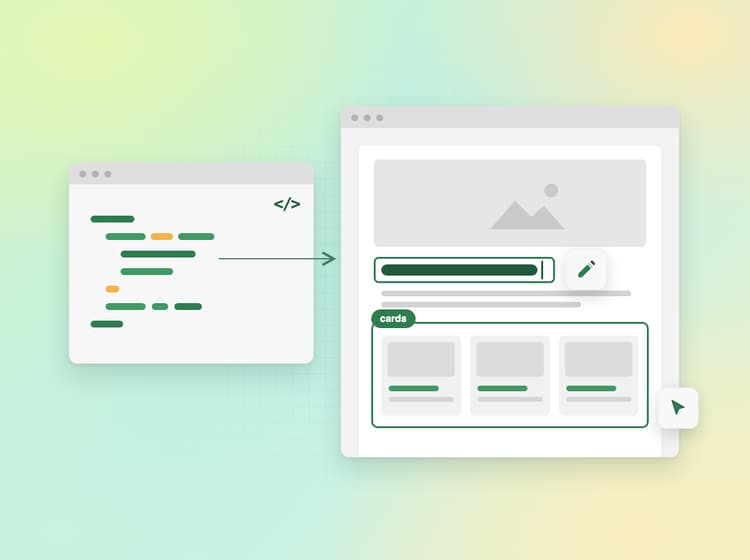
Developing for layout view
Layout view renders pages with your site's real code. Learn the requirements and the block patterns that keep content editable.
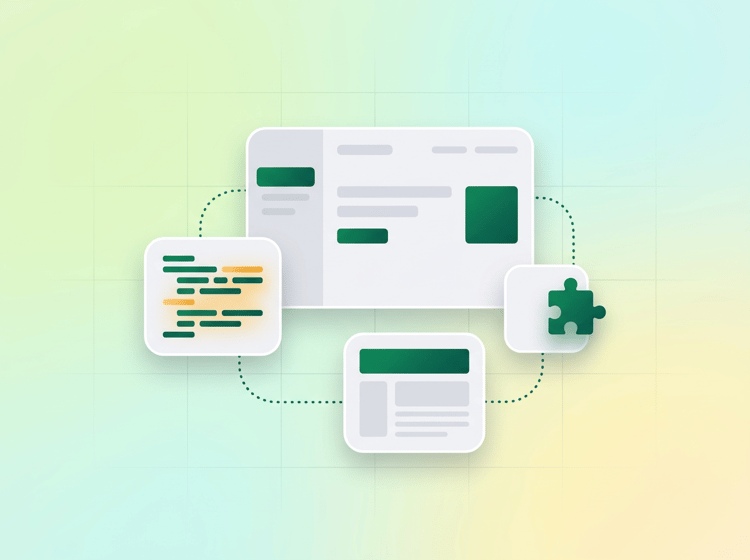
Extending Edge Delivery Services with micro-frontends
With Edge Delivery Services, gone are the days of esoteric technology stacks you must learn to empower your authors. You can bring your own preferred frontend technologies, pair them with simple Edge Delivery APIs, and start adding value almost immediately.
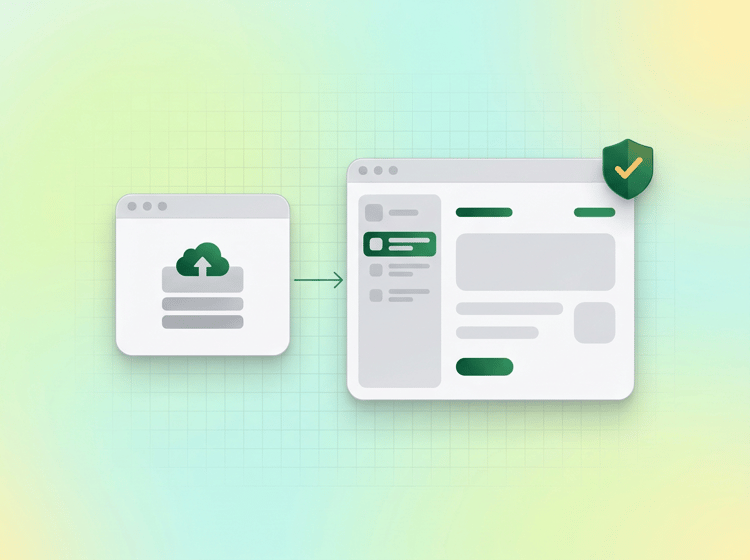
Upgrading
From the developer’s perspective, upgrading a site from document-based authoring to Experience Workspace is a low-complexity task. However there are some differences to keep in mind when upgrading as well as features to consider in Experience Workspace.
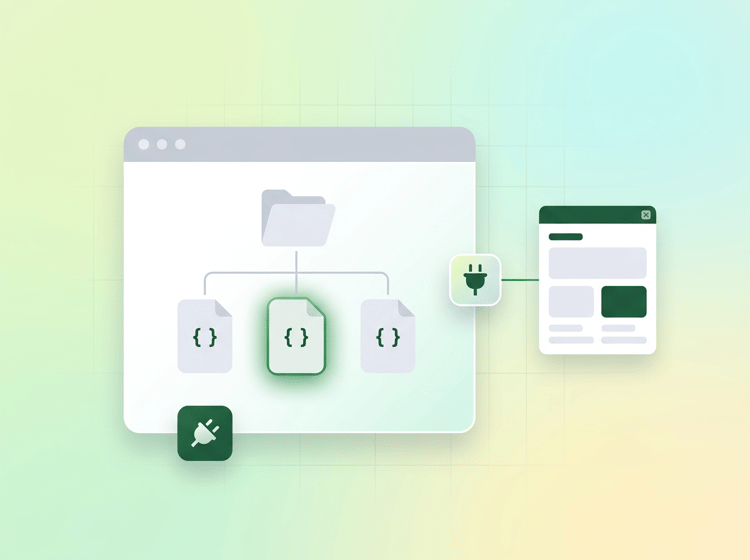
Enable your project for the Universal Editor
Universal Editor is supported on Author Bus. You can store your content in Author Bus while editing the content using the Universal Editor.
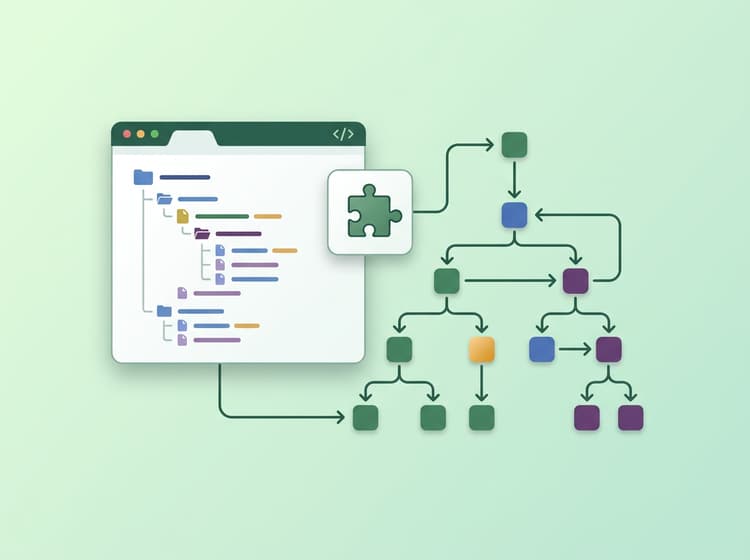
Update pages in a tree
There are times you need to programmatically change documents under a given parent item in a tree.
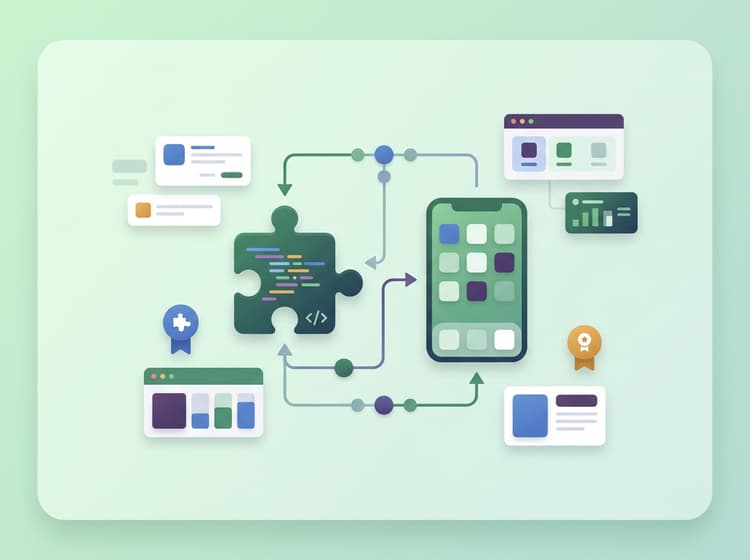
Developing apps & plugins
There are situations when you need to add your own features to Experience Workspace. This could either be a fullscreen app or a library plugin available while editing a document.
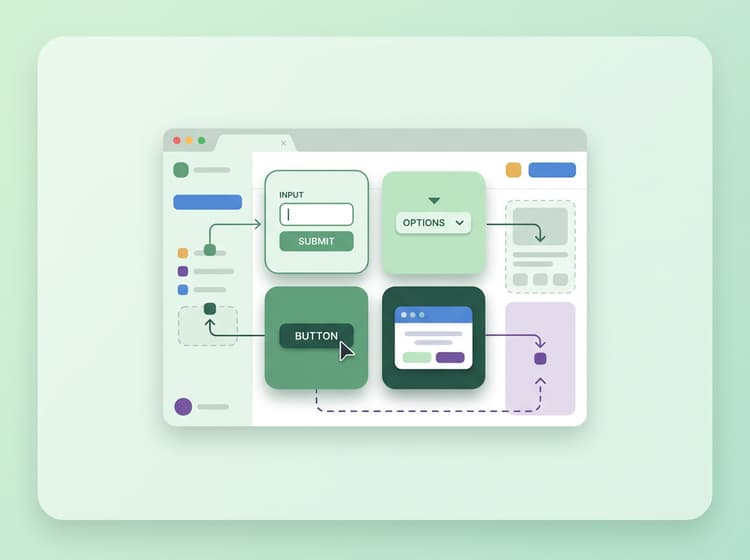
SDK UI Components
Experience Workspace provides a way to add Adobe-like styles to your applications and plugins. These components are extremely light due to their minimal footprint, speedy performance characteristics, and simple API.
Author Kit
Author Kit is a GitHub repository template for getting started quickly with Experience Workspace and Edge Delivery Services, with best practices built in.