Authoring with Experience Workspace
Learn about the powerful, document-oriented authoring tools and assistant available in Experience Workspace.
Release notes
Discover the latest features, enhancements, and possibilities every month, with a focus on what matters most to authors and content teams.
Browsing content
Experience Workspace allows you to create amazing content fast. The content browser helps you find the content you need.
Authoring pages
Experience Workspace builds on the knowledge you already have from using common productivity tools used to create pages. It does this by providing a familiar and an intuitive environment to author your content.
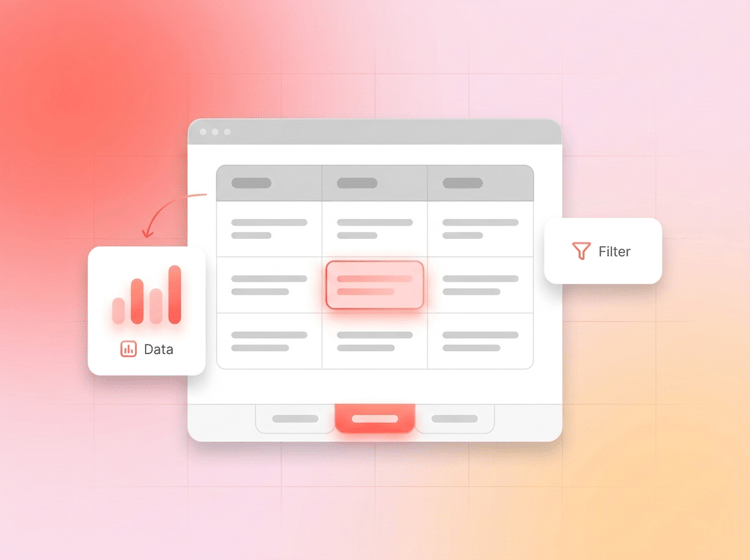
Authoring sheets
Sheets allow you to manage structured, tabular data within Experience Workspace.
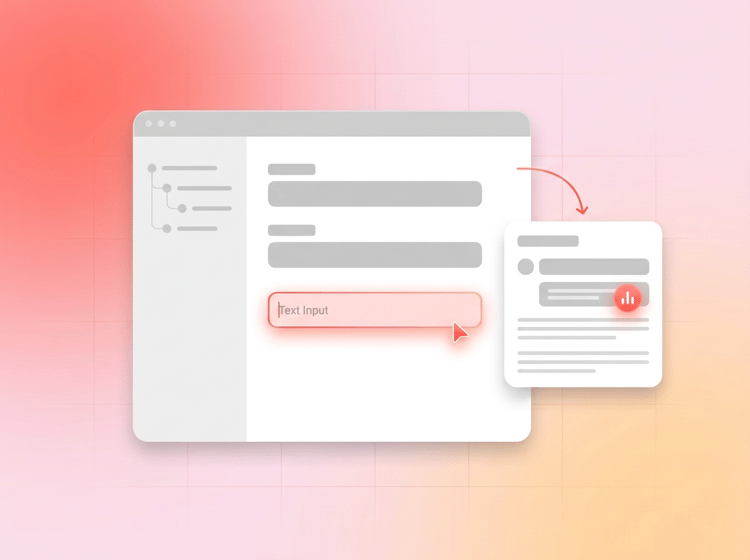
Authoring structured content
Experience Workspace's structured content feature allows the content author to easily create structured content with an intuitive form-based editor.
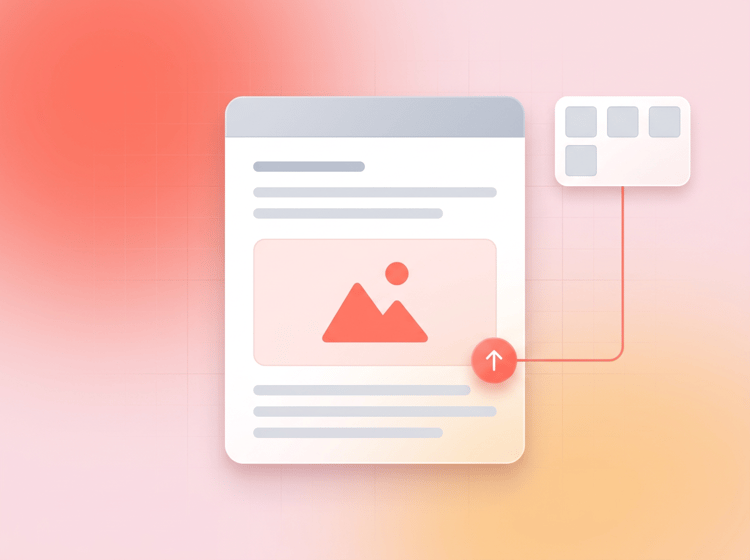
Adding media
Experience Workspace allows you to upload media (images, pdfs, videos) directly without having to use an external service but also offers rich integration into AEM Assets and Dynamic Media to serve your curated brand content.
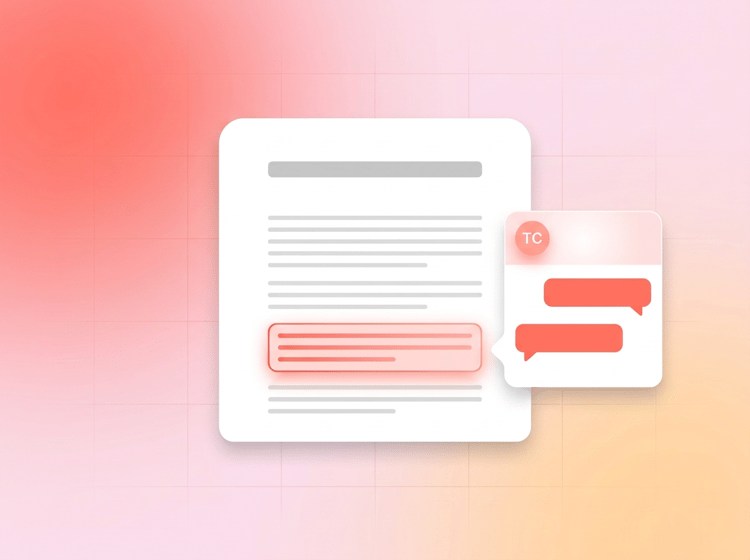
Comments
Comments allow you to collaborate asynchronously with colleagues as you create content.
Publishing content
Publishing takes your prepared content and replicates it to a publicly-available preview URL for review purposes or to your final production URL to be consumed by your audience.
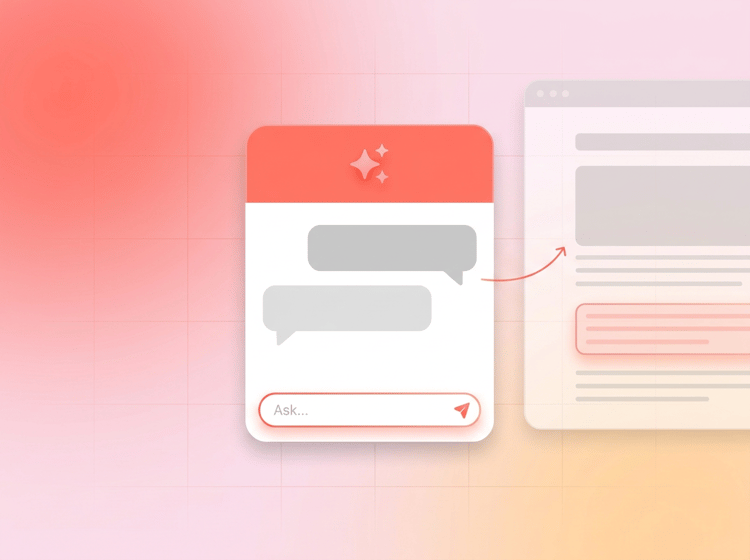
Assistant panel
The assistant panel is available in most windows of Experience Workspace and is your natural-language interface to the agentic powers of Adobe Coworker.
Navigate your content
Experience Workspace is an intelligent authoring surface where humans and AI agents collaborate to build, edit, and optimize digital experiences. Learn how to navigate your content in order to edit it within Experience Workspace.
Snapshots
Content changes such as gathering feedback, approval, and reviews, must be handled before any updates go out. Snapshots help you manage coordinating such updates.
Versioning and history
Versions allow you to see a history of what changes were applied to the content and when, as well as restore previous versions.
Translation projects
Translation often begins with content editors identifying pages of content that must be localized for specific markets. Experience Workspace likewise expects lists of URLs that must be localized.
Traversing a content tree
Content is rarely flat, with most content structures reflecting a hierarchy and organization. For this reason, it is often helpful to traverse a path to discover all content below it.
Bulk operations
The Bulk Operations app allows you to provide a list or URLs of your content and carry out operations on those pages en masse.
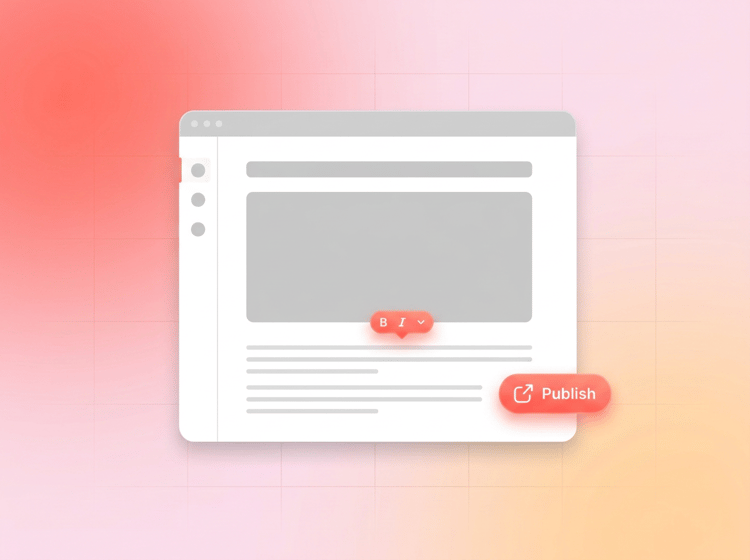
Document editor
If you have not yet migrated all projects to Experience Workspace, you may still be using the document editor to author content for your site.
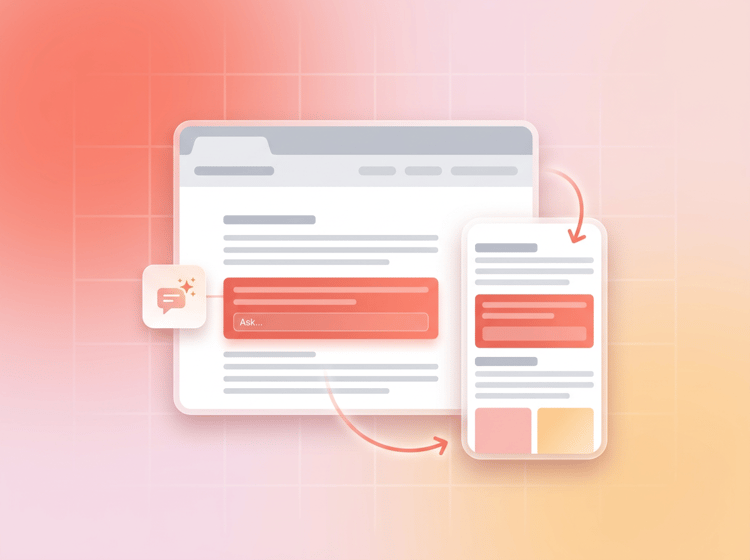
Live preview
If you have not yet migrated all projects to Experience Workspace, live preview allows you to see your changes in real-time as you edit in the content layout.
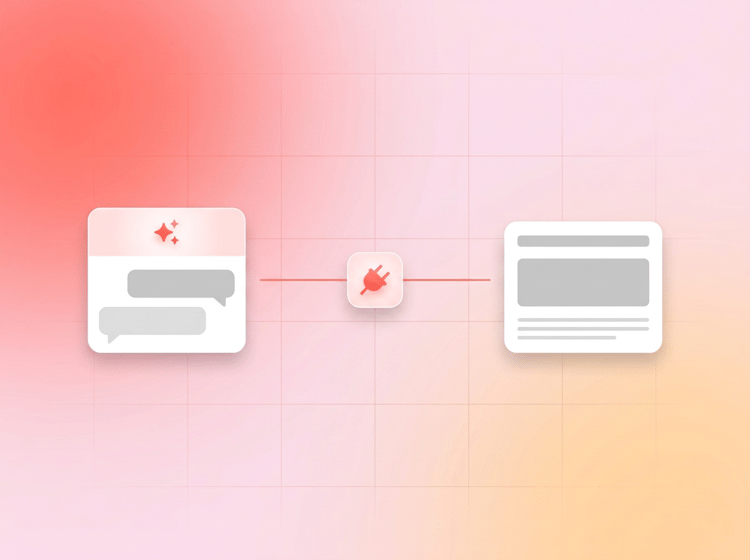
Experience Workspace MCP
The Experience Workspace MCP connects AI assistants like Claude or ChatGPT to your Experience Workspace projects using the Model Context Protocol (MCP), an open standard for giving AI tools access to external services.